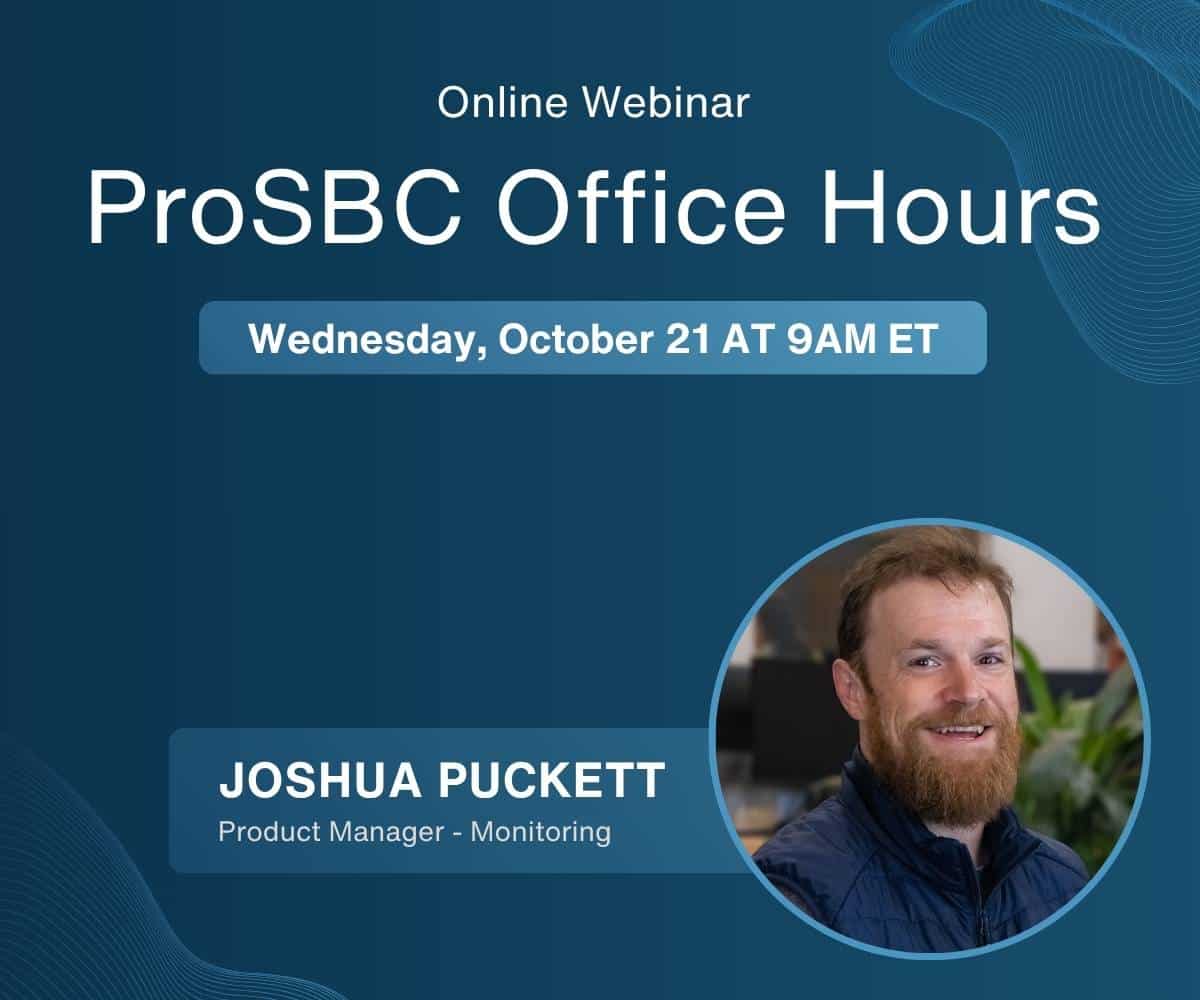
This month’s Office Hours puts the spotlight on Butler, our new AI NOC assistant. Joshua Puckett, Product Manager for Monitoring, will give an overview of what Butler does and answer your questions about it live.
The floor stays open for everything else too. Whether you’re evaluating ProSBC, troubleshooting a deployment, or exploring SBC best practices, bring your questions and get direct answers from our technical team.
By submitting this form, your information will be processed in accordance with our Privacy Policy.
In Focus: Butler, Your New AI NOC Assistant
Butler works inside your team’s chat, in Microsoft Teams or the messaging platform you already use. Ask about your calls in plain language and get the answer back in seconds. It works with any SBC, so a network with equipment from several vendors is covered too. Here is the kind of work it takes off your plate:
Tracing a failed call: the response code that ended it, the point in the exchange where it broke, and which side of the handoff it happened on.
Spotting patterns across many calls, such as how many 503s landed on a trunk last week and whether the rate is rising or steady.
Producing a branded call report you can forward to your customer as it stands.
Picking up alerts from Zabbix, VoIP Monitor, or your other monitoring tools, investigating what is behind them, and proposing a configuration fix that it applies only with your approval.
Joshua will walk through an overview of Butler and answer all your questions about it, from how it fits your NOC workflow to what it can and cannot change on your network. Want a head start? Learn more about Butler before the session.
What to Expect
An open, informal Q&A session focused on ProSBC installation and configuration. Submit your questions via Zoom’s Q&A feature and get direct answers from our subject matter expert through live screen-sharing demonstrations.
Hands-on guidance for your specific deployment, configuration, or evaluation scenario. No question is too basic or too advanced.
Want to get the most out of the session? Start a free 30-day trial to evaluate ProSBC in a full production-ready environment, or download a ProSBC Lab license at no cost to test configurations in your own lab environment. No commitment required either way. Register here to get started.
A Few Things to Keep In Mind
Although we do our best to cover as many questions as possible, we cannot guarantee that all questions will be answered.
If your question involves sharing call traces, we cannot cover it during the webinar. We invite you to reach out to us at [email protected] if you have an active support contract, or post on our forum, where we answer all forum posts within 24 hours.
This session is dedicated entirely to resolving your technical challenges in real-time. Bring your specific scenarios, and our team will work through the solutions with you live.